
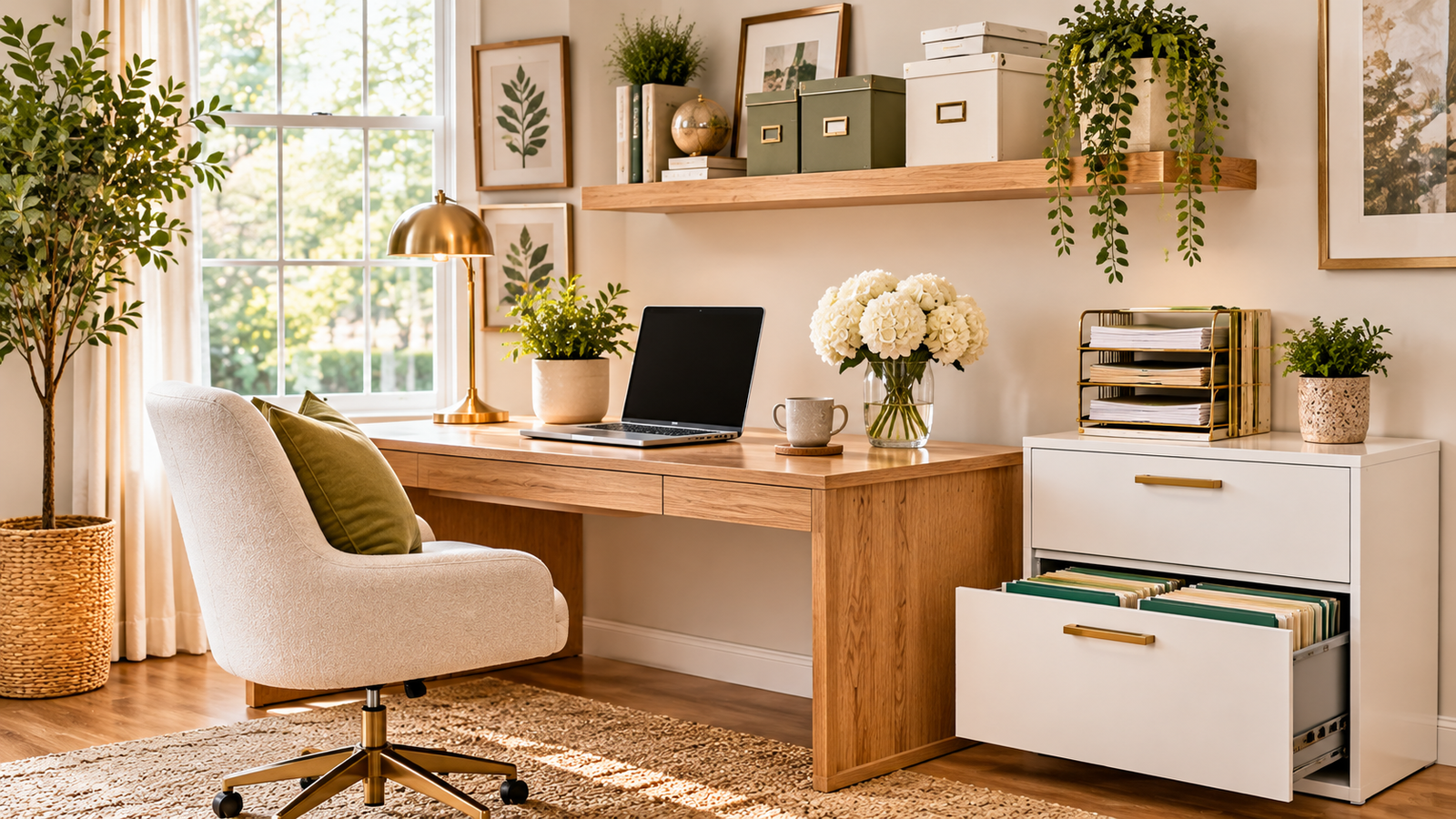
Home office filing systems keep your paperwork under control so you can find any document in under a minute.
Tax forms, receipts, contracts, and school papers pile up fast when you work from home. The IRS generally advises keeping most tax records for at least three years, so paper doesn’t disappear on its own.
These home office filing systems blend physical folders and digital files into one simple routine. You’ll get real measurements, US store picks, and the mistakes that bring clutter back.
Key Takeaways
- The best home office filing systems use a few clear categories, not dozens.
- Keep an “action” file for active papers and an archive for everything else.
- Scan important documents and back them up to the cloud.
- Use plain-language labels and a weekly 10-minute review.
- Store vital documents, like passports and birth certificates, in a fireproof box.
Why Home Office Filing Systems Matter for Remote Workers
Poor filing costs time, and it can cost money too. Missed bills, lost receipts, and misplaced contracts add up quickly.
A good system saves minutes every day and makes tax season far less stressful. Strong home office filing systems also reduce visual clutter, which helps you focus.
Sort and Purge Before You File
Before you build any of these home office filing systems, clear the backlog. Sort every pile into three groups: keep, shred, and recycle.
Use a cross-cut shredder for anything with account numbers, Social Security numbers, or signatures. Be ruthless with junk mail, old manuals, and duplicate copies.
9 Home Office Filing Systems That Actually Work
1. Start With Five Core Categories
Simple home office filing systems always begin with broad categories. Try these five: Financial, Home, Health, Work, and Personal/Family.
You can add subfolders later, but keep the top level short. Fewer categories mean faster filing and easier searching.
2. Choose the Right Filing Cabinet
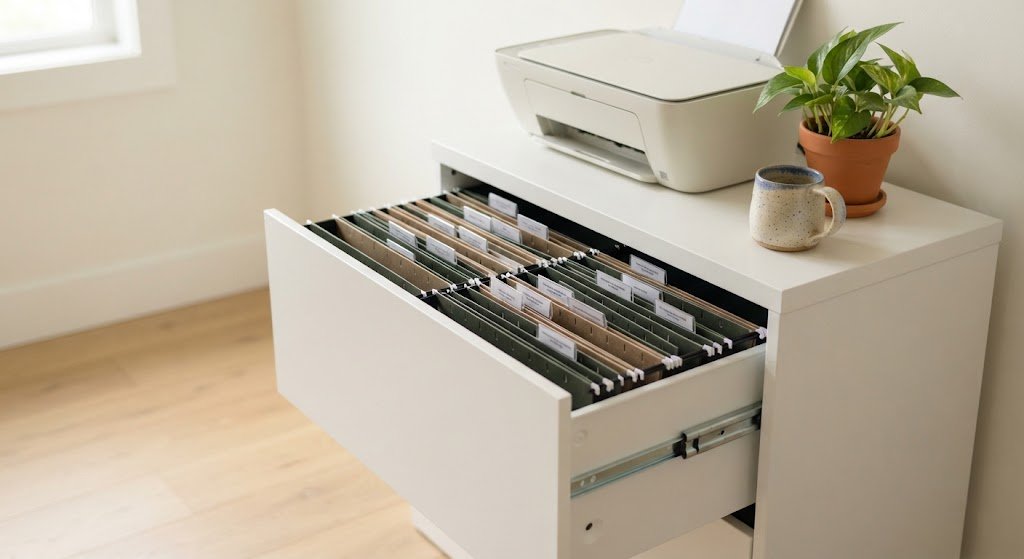
Most US documents are letter size (8.5 x 11 inches), so pick a cabinet that fits letter-size hanging folders. Vertical cabinets are about 15 inches wide, which suits tight corners.
Lateral cabinets run 30 to 36 inches wide and can double as a credenza or printer stand. IKEA, Staples, Office Depot, and Target all sell options at different price points.
3. Use Hanging Folders With Manila Subfolders
Hanging folders ride on rails inside the drawer and hold categories. Place manila folders inside them for specific topics, like “Electric Bill” or “Car Insurance.”
Use 1/3-cut tabs, so labels stagger and stay easy to read. This layered setup is the backbone of most paper filing systems.
4. Try Color-Coding
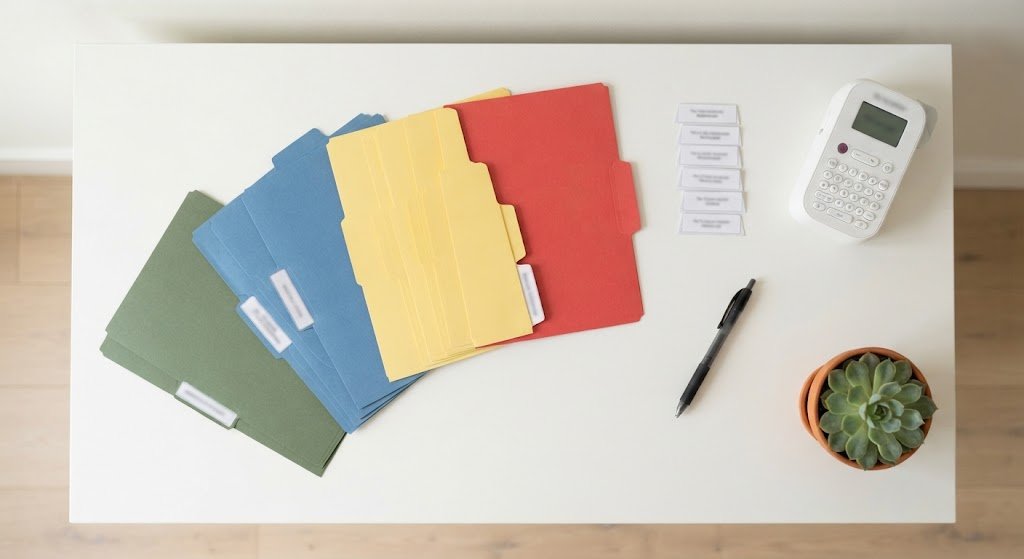
Color helps your eyes find folders fast. Assign one color per category, such as green for finances, blue for work, yellow for health, and red for urgent items.
Keep the color rules simple, and write them on an index card inside the drawer so everyone in the house follows them.
5. Add a Desktop Action File Sorter
Not everything belongs in the cabinet right away. A desktop sorter holds active papers within arm’s reach.
Label four slots: To Pay, To File, To Sign, and To Scan. This is one of the easiest home office filing systems to start with, and it costs about $10 to $25.
6. Go Digital With a Scanner and Cloud Storage
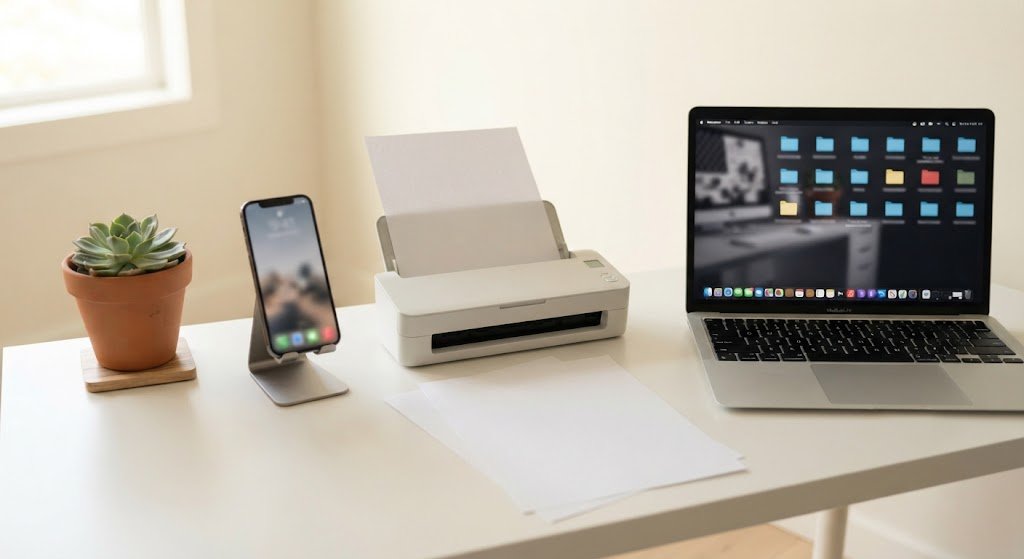
Digital home office filing systems cut paper dramatically. Use a flatbed scanner, a sheet-fed scanner, or a phone scanning app for receipts and statements.
Store files in Google Drive, Dropbox, iCloud, or OneDrive. Follow the 3-2-1 backup rule: keep three copies, on two types of storage, with one copy offsite.
7. Name Digital Files Consistently
A clear naming format makes digital search easy. Start with the date in year-month-day order, then the category and a short description.
For example: 2026-03-15_Utilities_Electric-Bill. Mirror your paper folder names online so both systems work the same way.
8. Build a Weekly Filing Routine
The best home office filing systems fail without a routine. Use one paper inbox tray and set a 10-minute review every Friday.
Process the tray, file what you need, shred what you don’t, and scan anything you want in the cloud. Small, regular sessions beat a giant cleanup every few months.

9. Protect Vital Documents
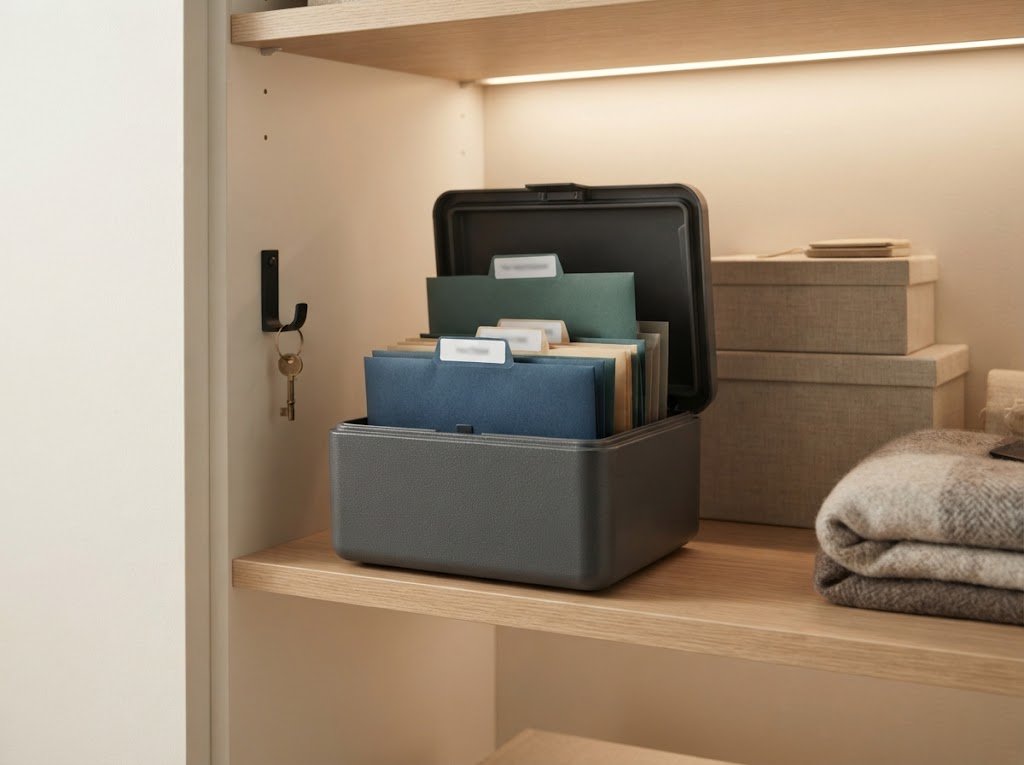
Keep irreplaceable items in a fireproof, waterproof box or small safe. That includes birth certificates, passports, Social Security cards, wills, and insurance policies.
Look for a product with a third-party fire rating, such as UL. Also store encrypted digital copies, and avoid emailing sensitive files.
Home Office Filing Systems for Small Spaces
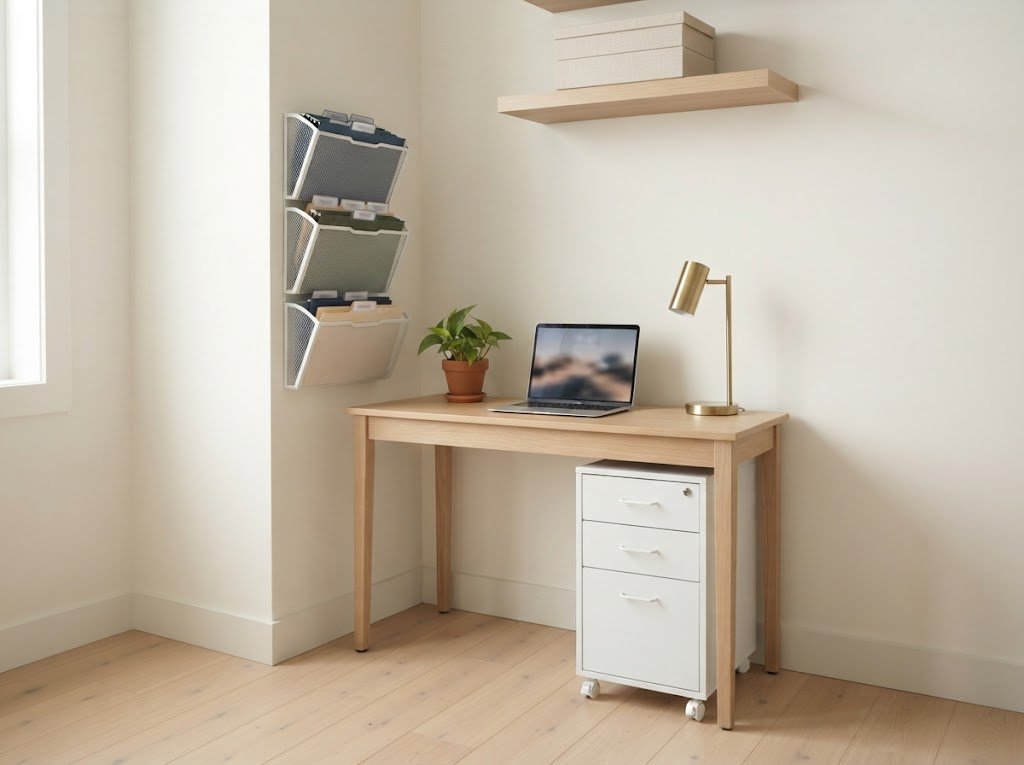
No room for a cabinet? You still have options. Wall-mounted file pockets, a rolling file cart under the desk, or stackable file boxes in a closet all work well.
A portable file box with a handle is ideal for renters or anyone who works at the kitchen table. Choose home office filing systems that fit your space instead of forcing a big cabinet into a small corner.
How Long Should You Keep Important Documents?
Retention rules depend on the document and your situation. Here’s a general guide, and you should confirm details with a tax professional.
- Tax returns and supporting records: the IRS generally says at least three years, and longer in some cases
- Bank and credit card statements: about one year, unless needed for taxes
- Receipts for big purchases: until the warranty or return period ends
- Property and vehicle records: as long as you own the item
- Vital documents: keep permanently, such as birth certificates and wills
Home Office Filing Systems on a Budget
You don’t need to spend a lot. A basic setup with a cabinet or file box, folders, labels, and a sorter often costs $50 to $150.
Here’s where to shop:
- Office stores: Staples and Office Depot
- Home stores: IKEA, Target, Walmart, and At Home
- Organization stores: The Container Store
- Online and secondhand: Amazon, Facebook Marketplace, and Goodwill for used cabinets
Common Filing Mistakes to Avoid
Even the best home office filing systems fail when you repeat these errors:
- Creating too many categories
- Keeping paper “just in case” with no end date
- Using unclear labels like “Misc.”
- Skipping cloud backups
- Letting the inbox tray overflow for weeks
Conclusion
Home office filing systems work when they’re simple, consistent, and sized to your space. Start with a purge, pick five core categories, and choose the tools that fit your workflow.
Add a weekly routine and a cloud backup, and your paperwork will stop running your day. Pick two or three of these ideas this weekend and notice how quickly the clutter fades.
FAQs About Home Office Filing Systems
What are the best home office filing systems for beginners?
Start with a small file box, five category folders, and a desktop sorter. Add a scanner when you’re ready to go digital.
How do I organize paperwork in a small home office?
Use wall file pockets, a rolling cart, or stackable boxes. Keep only active papers on your desk.
What is the best way to file documents digitally?
Use a clear folder structure that mirrors your paper files, name files by date, and back them up to the cloud.
How often should I update my filing system?
Spend 10 minutes weekly on filing, and do a full review once a year, ideally before tax season.